Honeywell Vuquest 3320g Review: The Hands-Free Scanner for Busy Counters in 2026
Some counters never stop moving. Pharmacies, ticket windows, and small-format shops need staff whose hands stay on the product, the prescription, or the payment, not wrestling with a scanner. That is exactly the gap the Honeywell Vuquest 3320g is built to close. As a compact presentation-style area imager, it sits on the counter, waits, and reads whatever you show it, so your team keeps both hands free for the actual job.
Below is a practical, hands-on look at where this scanner shines in 2026, how it compares to handheld units, and how it fits into a wider service-flow setup for high-traffic sites.
What Makes a Presentation Scanner Different
A handheld scanner asks the operator to pick it up, aim, and pull a trigger. A presentation scanner flips that logic. It stays mounted or resting on the counter and captures a code the moment you present an item to it. For repetitive, high-volume counters, that small change removes a surprising amount of friction.
Where hands-free wins
- Pharmacy counters: staff verify medicine while both hands manage packaging and paperwork.
- Small retail and kiosks: limited space suits a fixed footprint that never gets misplaced.
- ID and document capture: presenting a card or phone screen is faster than aiming a gun at it.
- Loyalty and coupon scanning: customers simply hold up a phone to the imager.
The Honeywell Vuquest 3320g Up Close
The Honeywell Vuquest 3320g is an area-imaging device, meaning it photographs the barcode rather than sweeping a laser line across it. That approach reads 1D and 2D codes in any orientation, including the QR and data-matrix codes that dominate mobile wallets and pharmaceutical packaging in 2026.
Its small chassis is deliberate. It slots onto a cramped pharmacy bench or a narrow retail counter without dominating the space, and because it is fixed in place, it does not walk off during a shift change.
Standout practical traits
- Omnidirectional reading: no need to align the code, which speeds every scan.
- Mobile-screen capture: reads codes off glossy, dim phone displays reliably.
- Snappy wake behaviour: it fires as soon as an item enters its field of view.
- Plug-and-play setup: straightforward USB connection keeps IT involvement minimal.
Handheld or Hands-Free: Which Should You Choose?
The honest answer depends on your counter. This comparison should make the decision quicker.
| Factor | Hands-Free (Vuquest 3320g) | Traditional Handheld |
|---|---|---|
| Best environment | Fixed, high-repetition counter | Roaming, variable-position items |
| Operator effort | Present item, no trigger | Lift, aim, trigger |
| Counter footprint | Small, fixed | Cradle plus cable slack |
| Large-item handling | Bring code to scanner | Bring scanner to code |
| Risk of misplacement | Low, it is mounted | Higher |
Scanning Is Only Half the Counter Experience
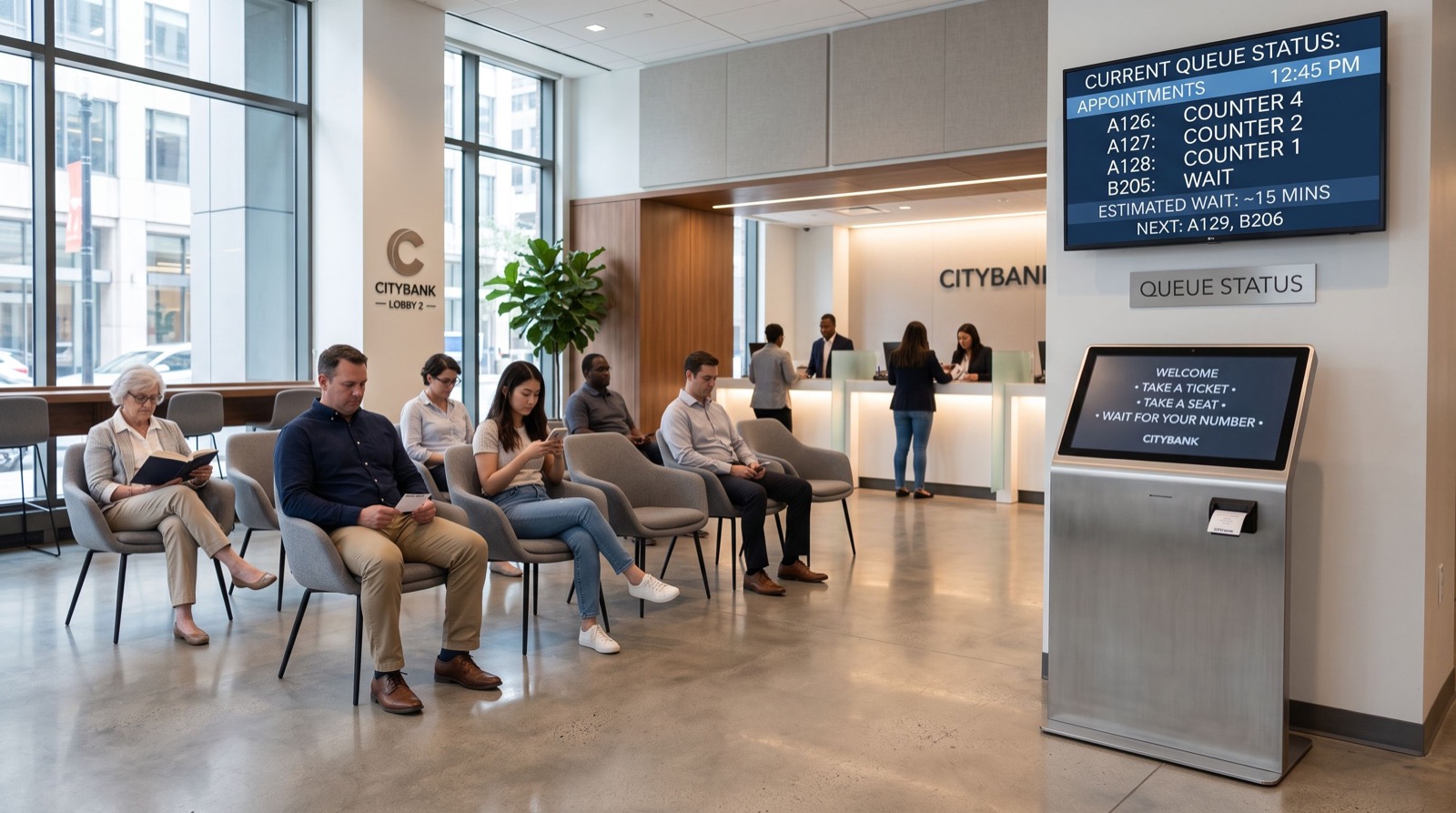
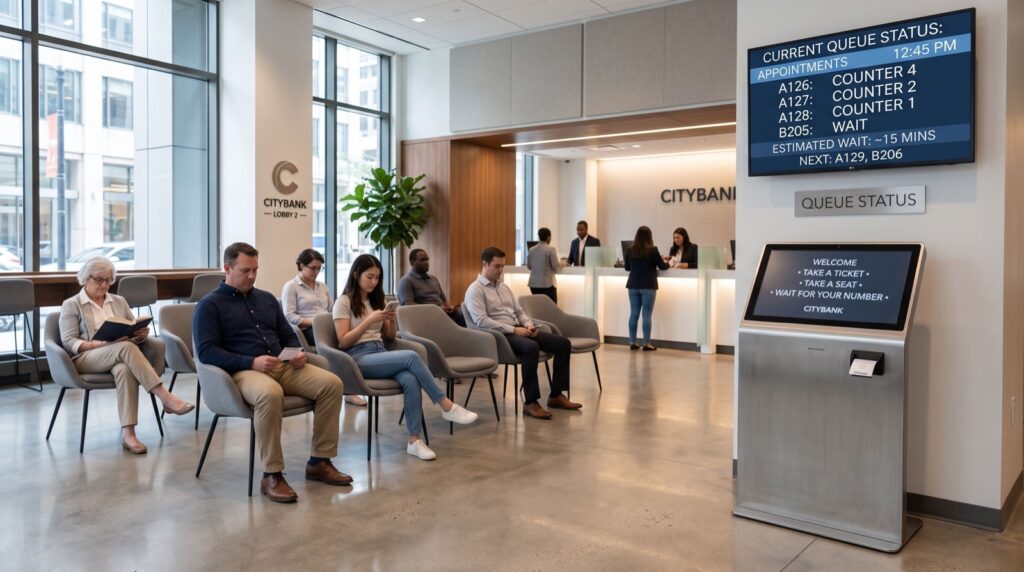
A fast scanner clears each transaction quickly, but it cannot decide who steps up next. On busy sites, pairing efficient hardware with an orderly line is what keeps customers calm. Operators in South Asia increasingly link their counters to a queue management system in lahore so that arrivals are ticketed, routed, and called in fair order while staff focus on service rather than crowd control.
Think of it as a relay: the queue system delivers the right customer to the counter, and the scanner clears their transaction without delay. Each part covers the other’s blind spot.
A field tip worth stealing
Angle the Vuquest slightly toward the customer side of the counter. Shoppers naturally present phone barcodes at a comfortable reach, and matching the scanner to that angle cuts repeated presentations, especially for elderly customers holding a device at arm’s length.
Setting Up the Vuquest for Peak Performance
Good hardware still rewards thoughtful placement. A few deployment choices make a real difference to daily throughput.
Position and lighting
Mount the imager where counter lighting will not wash out phone screens. A slight tilt away from overhead glare improves first-pass reads on glossy displays, which is where cheaper scanners stumble.
Workflow integration
Decide up front whether the scanner feeds your point-of-sale, your inventory system, or both. Presentation scanners excel at repetitive lookups, so mapping them to your most frequent task, prescription verification or price checks, pays back immediately.
Where Hands-Free Scanning Falls Short
Honesty matters in a buyer’s guide. A presentation scanner is not the answer to every job, and knowing its limits prevents a costly mismatch.
- Bulky or heavy items: if you cannot easily lift a product to the scanner, a handheld is better.
- Roaming stock checks: aisle-based inventory work needs a mobile device, not a fixed imager.
- Very wide counters: a single fixed point may not reach every station, so plan placement carefully.
For most fixed, high-repetition counters, though, these caveats simply do not apply, which is why the format has spread so quickly across pharmacies and kiosks.
Reliability and Safety Standards
Imaging scanners use LED illumination rather than a scanning laser, which simplifies safety compliance at the counter. For the underlying barcode symbologies these devices decode, the standards are maintained by bodies such as GS1, the global organisation behind the barcodes on virtually every retail product. Choosing hardware that reads the full modern GS1 range protects you as more suppliers move to 2D codes through 2026.
Frequently Asked Questions
Is the Honeywell Vuquest 3320g good for pharmacies?
Yes. Its hands-free presentation design lets pharmacy staff keep both hands on medication and paperwork while the scanner reads packaging and prescription barcodes as they are shown to it.
Can it read barcodes from a phone screen?
It can. As an area imager, it captures 2D codes such as QR and data matrix directly from glossy or dim mobile displays, which is essential for loyalty and coupon scanning.
Does it need special software to set up?
No. It connects over USB and works with standard point-of-sale software out of the box, so most sites are scanning within minutes of unpacking it.
How does it pair with a queue management system?
The queue platform controls who reaches the counter and when, while the scanner speeds the transaction itself. Together they shorten both the wait and the service time for each customer.
The Verdict for 2026
If your counter is fixed, busy, and repetitive, the Honeywell Vuquest 3320g is a low-fuss upgrade that pays back in saved seconds and steadier staff. Combine it with an orderly line, and you address both halves of the counter experience at once. For sourcing and setup, work with quality service providers who can match the hardware to your specific workflow.
Ready to free your team’s hands? Trial a hands-free imager on your busiest counter this month, measure the change in transaction time, and decide with real numbers on your side.